Best launch monitors for home practice
A launch monitor reports how a golf ball travels after a shot. Some also work with virtual golf courses, but space requirements and software costs vary.
5 monitors compared · 16 sources · Updated October 16, 2026
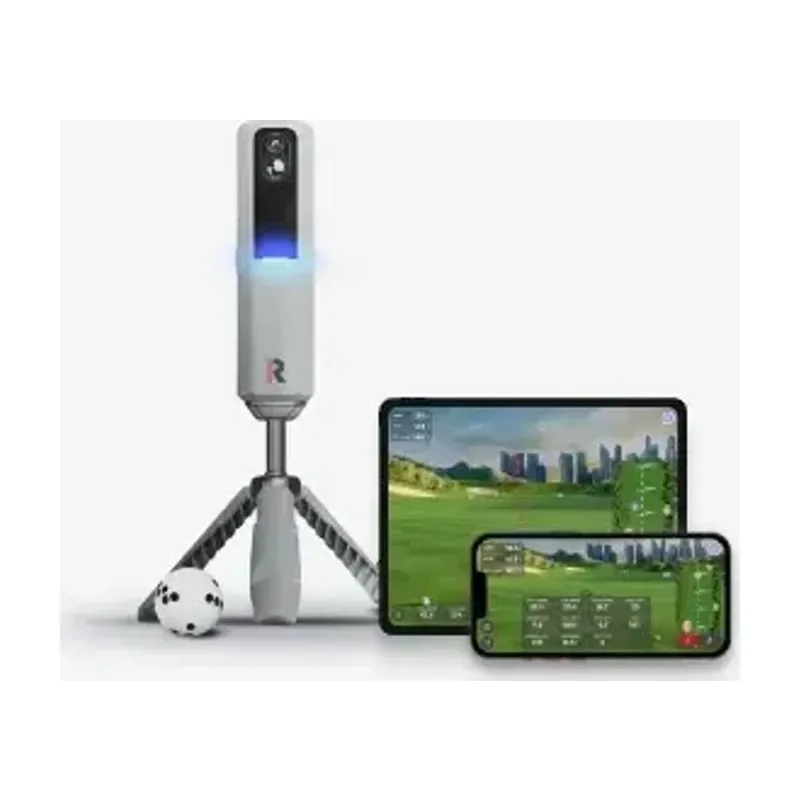 Best for impact videoRapsodo MLM2PROView on Amazon
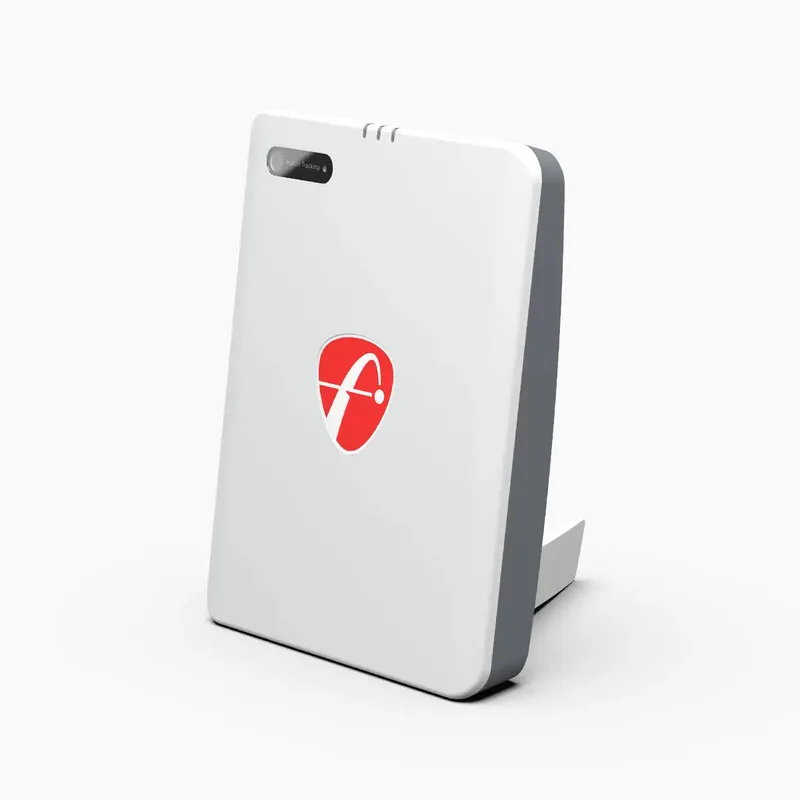 Best for a few courses without a yearly planFlightScope Mevo Gen2View at FlightScope
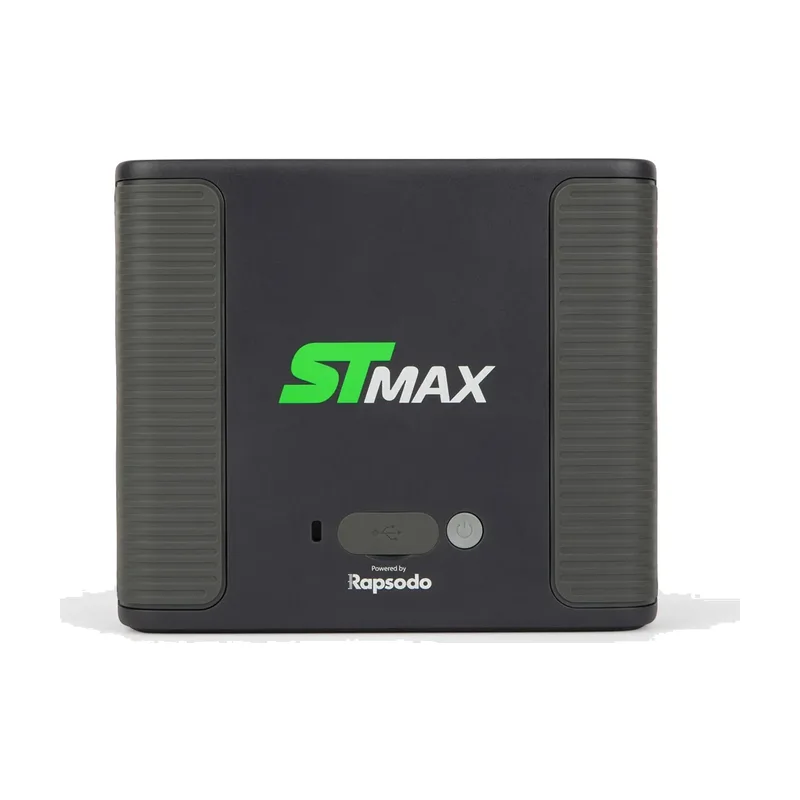 Best for a dedicated indoor baySKYTRAK ST MAXView at SKYTRAK
We compare published sources and haven't tested this equipment. We may earn a commission from product links at no added cost to you. How we choose
Comparison
| Specification | 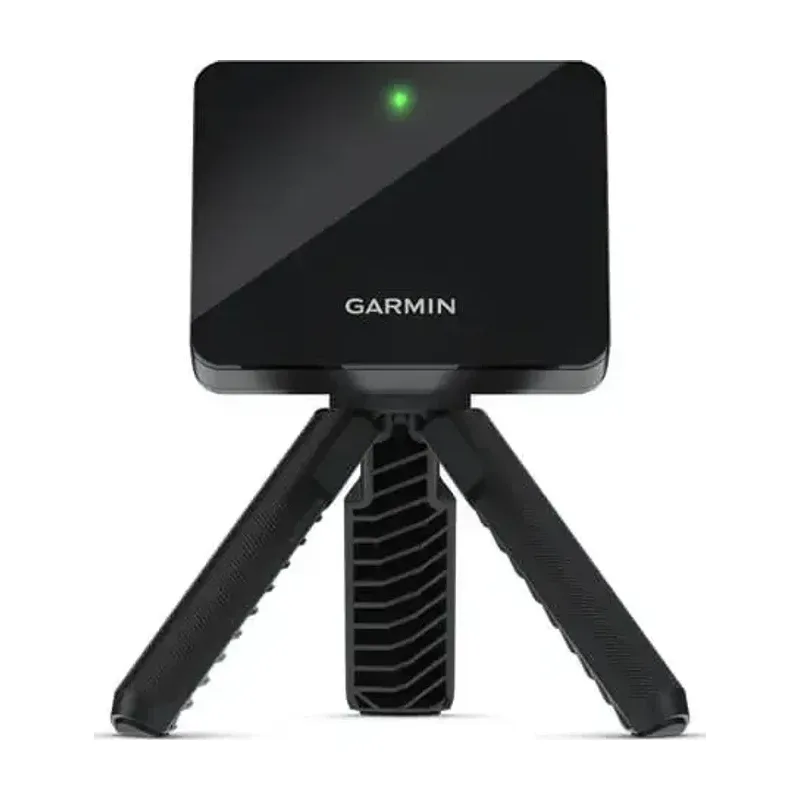 | | | | 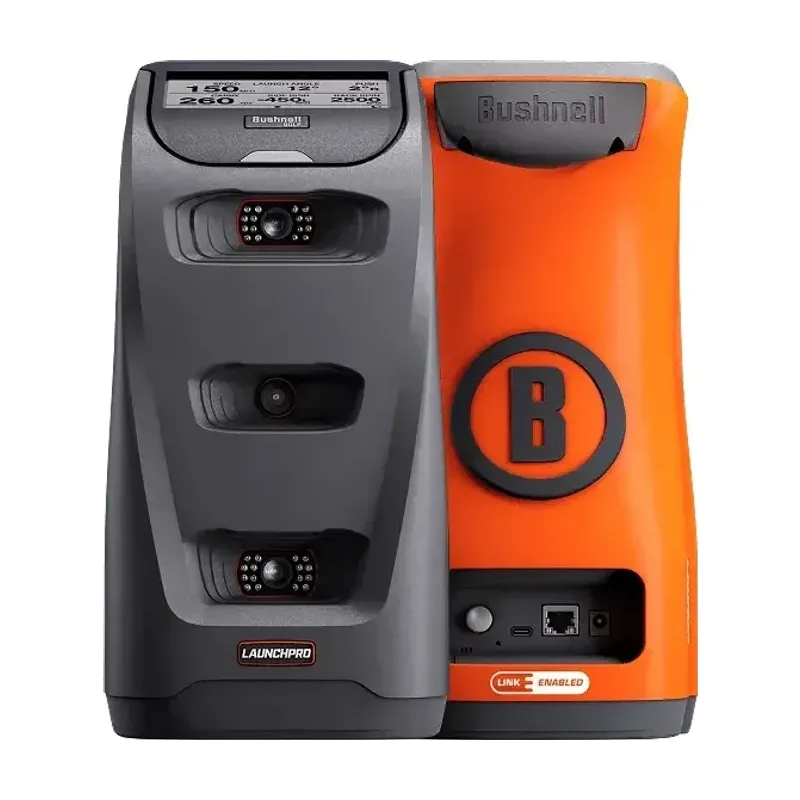 |
|---|---|---|---|---|---|
| Pick it if | You want carry and club data without a yearly plan, and estimated spin is fine. | You want impact video with every shot and will pay for a Core plan to see spin and club path. | You want full ball data and a few courses without a yearly membership. | You're building a dedicated indoor bay and everyone who uses it hits from the same side. | You want measured spin with any ball and will pay for a membership to get club data. |
| Room | |||||
| Room depth | 14–16 ft Room depth, Garmin Approach R10Garmin's quick start guide puts the unit 6 to 8 ft behind the tee and the tee at least 8 ft from the net. Add the net's own depth. | 14.5–16.5 ft Room depth, Rapsodo MLM2PRORapsodo places the unit 6.5 to 8.5 ft behind the ball with about 8 ft from the ball to the net, and says taller players may need more room. | 15–17 ft Room depth, FlightScope Mevo Gen2FlightScope places the unit 7 to 9 ft behind the tee and needs at least 8 ft of ball flight in limited-flight mode. | 10 ft min Room depth, SKYTRAK ST MAXSkyTrak's ST MAX user guide lists a 10 × 10 ft minimum play area. Its studio enclosures need 15 to 17 ft of depth. | 13 ft min Room depth, Bushnell Launch ProBushnell lists 13 ft of depth and 6 ft of width as minimums, 14 × 6 × 7 ft for a net setup, and 18 × 12 × 9 ft for a full simulator. |
| Room width | Not listed | Not listed | Not listed | 10 ft min | 6 ft min |
| Ceiling | Not listed | Not listed | Not listed | Depends on swing Ceiling, SKYTRAK ST MAXSkyTrak says safe ceiling height depends on the player's height and club length. | 7 ft with a net |
| Placement | |||||
| Unit sits | 6–8 ft behind | 6.5–8.5 ft behind | 7–9 ft behind | Beside the ball Unit sits, SKYTRAK ST MAXThe ball sits on a red laser dot the unit projects onto the hitting surface. | Beside, about 2 ft Unit sits, Bushnell Launch ProBushnell's manual puts the unit about 2 ft from the hitting area, level with the hitting surface. |
| Lefty and righty | No move | No move | No move | Move unit Lefty and righty, SKYTRAK ST MAXBecause the unit sits beside the ball, you have to move and realign it when a left-handed and a right-handed player share it (PlayBetter). | Move unit Lefty and righty, Bushnell Launch ProThe unit faces the player from across the ball and has a left- or right-handed setting, so a lefty needs it set up on the other side. |
| Outdoor use | Yes | Yes | Yes | Yes | Yes |
| Data | |||||
| Sensor | Radar | Radar + 2 cameras | Radar + camera | Radar + cameras | 3 cameras |
| Spin | Estimated Spin, Garmin Approach R10With standard balls, PlayBetter's review says the R10 calculates spin from other readings. Garmin says Titleist RCT balls make its indoor spin reading up to 30 times more accurate. They are not required. | RPT balls only Spin, Rapsodo MLM2PRORapsodo needs Titleist Pro V1 RPT or Callaway Chrome Tour RPT balls to show spin. | Stickers indoors Spin, FlightScope Mevo Gen2In limited-flight mode indoors, the Mevo Gen2 needs metallic stickers or Titleist RCT balls for accurate spin. | Measured | Measured |
| Club data | Included | Path needs plan Club data, Rapsodo MLM2PROClub speed is free. Club path and attack angle need a Core or Studios plan. | Path is an add-on Club data, FlightScope Mevo Gen2Club speed, attack angle, and spin loft are included. FlightScope's one-time Pro Package adds face angle, club path, and low point. | Not listed | Yearly plan Club data, Bushnell Launch ProClub data needs a Silver or Gold membership and the included club markers. |
| Running costs | |||||
| Without a yearly plan | Full data | Limited Without a yearly plan, Rapsodo MLM2PROSpin, club path, attack angle, Swing Vision, and Rapsodo Courses need a Core or Studios plan. Rapsodo's plan table lists Impact Vision as free. | Full data Without a yearly plan, FlightScope Mevo Gen2FlightScope includes 20 ball and club parameters and firmware updates with no subscription. | Range only Without a yearly plan, SKYTRAK ST MAXSkyTrak's free Basic tier covers the driving range. Course play needs a paid membership. | Ball data only |
| Sim courses | Yearly plan Sim courses, Garmin Approach R10Home Tee Hero simulator courses need a Garmin Golf membership. | Yearly plan | 8 included Sim courses, FlightScope Mevo Gen2The unit includes 8 E6 Connect courses. More courses are a one-time purchase. | Yearly plan | Yearly plan Sim courses, Bushnell Launch ProSilver includes 5 simulator courses and Gold includes 25. |
| GSPro and E6 | Sold separately | Core plan required GSPro and E6, Rapsodo MLM2PROGSPro, E6 Connect, and Awesome Golf need a Core or Studios plan, and each is sold separately. | Sold separately | Sold separately | Gold plan required GSPro and E6, Bushnell Launch ProGSPro needs the Gold membership, and GSPro itself is sold separately. |
| Where to buy | View on Amazon | View on Amazon | View at FlightScope | View at SKYTRAK | View at Bushnell |
FAQs
How much space do you need for a launch monitor?
For the three units here that sit behind the ball, plan on about 14 to 17 ft from the monitor to the net. That covers 6 to 9 ft behind the ball, depending on the model, plus at least 8 ft of ball flight. Leave extra depth for the net itself. SKYTRAK's ST MAX and Bushnell's Launch Pro sit beside the ball. SKYTRAK lists a 10 × 10 ft minimum play area and Bushnell lists 13 ft of depth, plus more for a full simulator enclosure.
Which type works in a shorter room?
A camera-based unit beside the ball can need less depth than radar placed behind it. Hybrid systems vary. Use the exact model's placement diagram and leave enough room for a full swing.
Will I need a subscription?
That depends on which features you want. Garmin Home Tee Hero, Rapsodo Core, SKYTRAK course packages, and Bushnell Launch Pro memberships have separate costs. FlightScope includes core data and firmware updates. Third-party simulation costs extra. Check the package you intend to use.
Buying for someone else?
Choose the exact model together. Room size, their phone or tablet, and ongoing software costs can rule out an otherwise suitable monitor.
Sources
- Garmin Approach R10 quick start guide
- Garmin R10 placement guidance
- Garmin: Approach R10 integration with Titleist RCT golf balls
- PlayBetter: Garmin Approach R10 review
- Rapsodo MLM2PRO specifications
- Rapsodo Golf memberships
- FlightScope Mevo Gen2 specifications
- SKYTRAK ST MAX user guide
- SKYTRAK space guide
- SKYTRAK membership guide
- PlayBetter: SKYTRAK ST MAX review
- Bushnell Launch Pro specifications
- Bushnell Launch Pro buyer's guide
- Bushnell Launch Pro support and user manual
- MyGolfSpy: Bushnell Launch Pro review
- MyGolfSpy launch-monitor comparison